

SwagPay: Pay multiple times or share the addition
Accounts, deadlines, sharing between several people: arrange your rent as you like, securely.
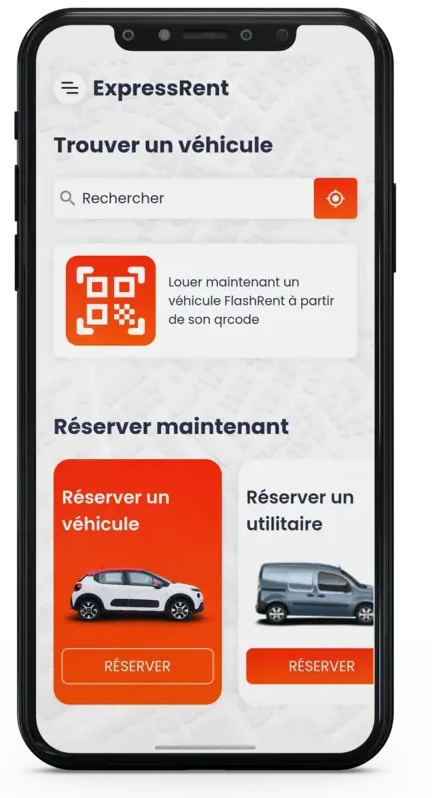
Read the articleBook, retrieve, get your status and return your vehicle.
Start my rentalChoose and prepare online
Vehicle inspection on your smartphone
Complete your rental on mobile
A getaway or a construction site, a one-time need or a new project: start by choosing your world.
 Mobility
For everyday life and escapes
Find out where you are going, visit your relatives, or enjoy a stay with a suitable vehicle.
 Transportation
Space for your projects
Choose a useful volume suitable for what you need to carry.
 Learning
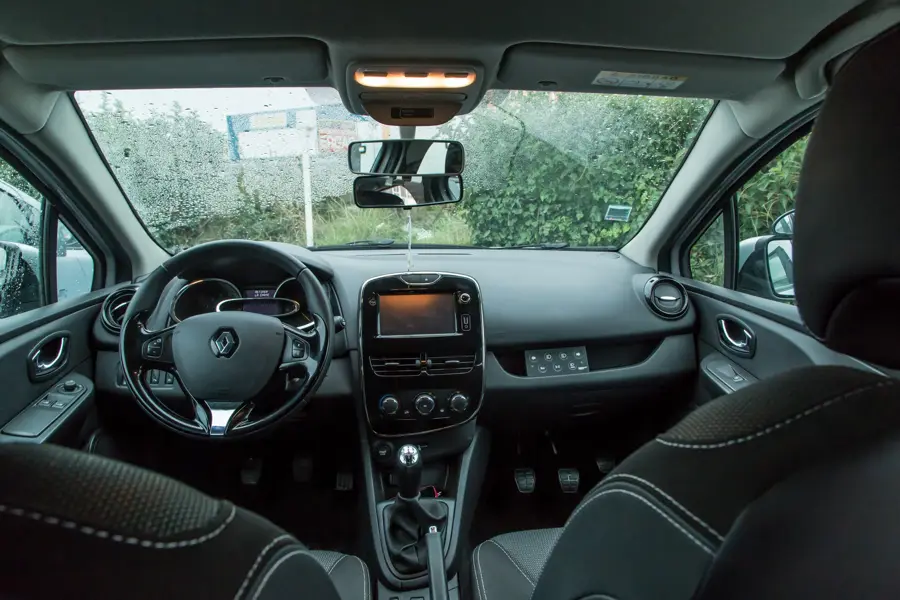
Trust the driver
A vehicle equipped for your accompanying driving sessions.
 ClosenessOn request
Another Way to Move
Prepare to travel nearby with an unlicensed car.
Requesting a quote External areasOn request
Keep your spaces up to speed.
Cutting, maintenance and groundwork: find equipment suitable for your terrain and the nature of your work.
Requesting a quote EmploymentOn request
Keep your work going
Landing and transportation of materials: prepare your construction site with materials chosen for your access and needs.
Requesting a quoteIllustrative photographs: models, equipment and availability according to the offer.
Select your vehicle and dates, and then make your reservation from your smartphone.
Please follow the instructions for your rental.
Document the status of the vehicle on your smartphone, both on departure and on return.
Follow the return instructions and complete the return of your mobile vehicle.
ClickLoc is a self-service rental service operated in Guadeloupe by the OSIRIS group.
Book online, pick up your vehicle at the agency, check the status of the premises on your phone and return it with ease. From tourist vehicles to utility vehicles, to double-order and equipment, we adapt the rental to your project.
Reservation in two minutes, pick up vehicle without waiting at the agency.
Perfect for a move: I took a utility, everything was done online.
The concept of self-service changes everything, simple, clear, and secure payment reassures.
Accounts, deadlines, sharing between several people: arrange your rent as you like, securely.
Read the articleCollect cashback on your rent and reuse your prepaid balance to pay faster next time.
Read the article The Guide
From booking to return, learn every step of a 100 percent course on your smartphone.
Read the articleSome good reflexes to document the condition of the vehicle and leave the mind at ease.
Read the articleYour smartphone will accompany you from booking to returning the vehicle, you can prepare your rental online, follow the instructions for pick-up and check the location directly on your mobile.
At departure and on your return, follow the steps shown on your smartphone to check the condition of the vehicle and document the requested items.
Conditions depend on the vehicle, your age and the required documentation. The name without licence does not exempt from all obligations.
It is addressed to persons wishing to drive with an escort under the applicable conditions.
For a utility, evaluate the volume, dimensions and load to be carried, check the capacity, transport modes and instructions for use of the equipment.
Where and when to take care of and return is dependent on the offer chosen. They must be consulted before booking.
Book in seconds, manage your rentals and access exclusive mobile deals.


Vehicle, utility or equipment: choose what you need and get ready to leave.
Find my rent